Menu


Common POS System Mistakes Small Businesses Should Avoid
By John Misarti March 26, 2025
POS systems are essential for contemporary small enterprises. From retail shops and eateries to salons and service companies, nearly every business depends on a POS to handle sales, stock, and customer interactions. Nonetheless, not every business successfully navigates its POS journey. The haste to automate and digitize often results in preventable errors that waste time, funds, and efficiency.
Whether it’s POS system errors, choosing the wrong POS, or making costly POS buying mistakes, we’ve got you covered.
Not Defining Your Business Needs First
One of the biggest mistakes small business owners make is jumping into POS shopping without a clear understanding of what they need. It’s easy to be dazzled by sleek interfaces and flashy demos, but unless the system solves your core problems, it’s not worth the investment.
What Happens When You Skip This Step?
Failing to recognize your needs early can lead to selecting an unsuitable POS that either does not perform well or complicates your operations unnecessarily. For instance, a retail POS system may not function effectively for a restaurant that requires table management. Or a system designed for extensive chains might be too much for a standalone boutique.
Solution: Make a list of must-have features. Do you need inventory tracking? Staff management? Mobile payments? Choose a POS based on these priorities.
Ignoring Hardware Compatibility
Another common POS system error is purchasing software without checking if it works with your existing hardware. Some POS platforms require proprietary equipment, while others are more flexible.
Why This Matters
Buying new hardware can significantly increase your upfront costs. Worse, if you try to force compatibility, you might end up with a system that’s glitchy or unstable.
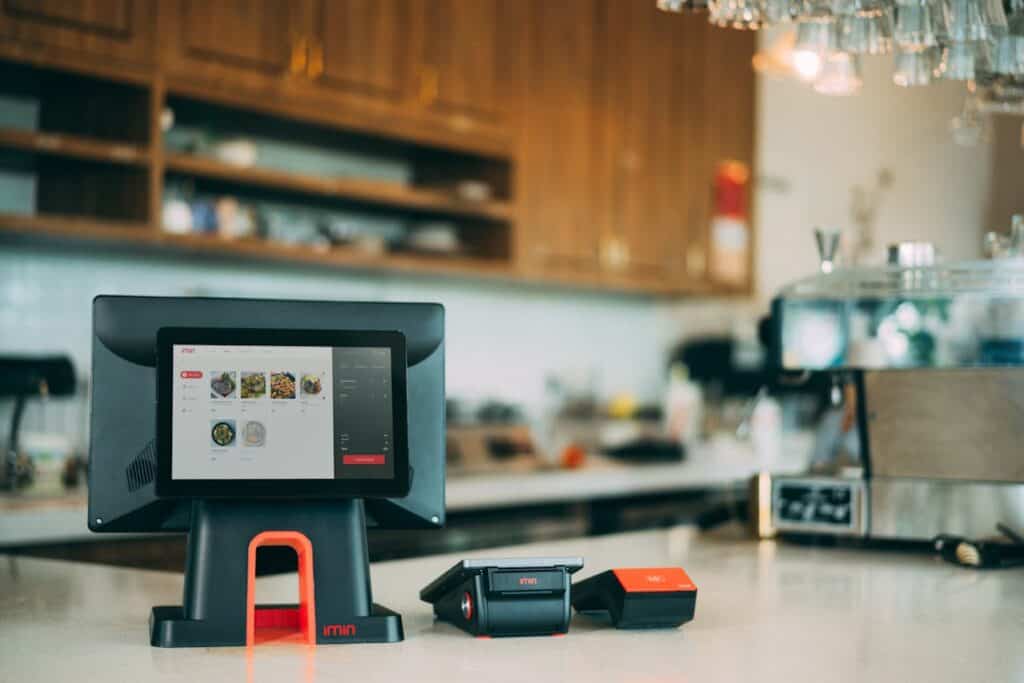
Solution: Prior to purchasing, verify that the software is compatible with your receipt printers, barcode scanners, tablets, and cash drawers. Or even better, search for a system that provides comprehensive all-in-one solutions.
Overlooking Payment Processor Integration
Many businesses get hit with POS buying mistakes when they forget to check how well the POS system integrates with their payment processor. Some POS systems lock you into using a specific processor, often at higher transaction fees.
The Risks Involved
This can be a hidden cost that affects your bottom line in the long term. Lack of integration also causes issues like double data entry, reconciliation errors, or even failed transactions.
Solution: Look for a POS system that either integrates seamlessly with your preferred processor or gives you multiple payment processor options.
Underestimating Training and Usability
Having the most advanced POS software available is pointless if your team is unable to utilize it. Small businesses often make the mistake of selecting an unsuitable POS simply due to its popularity or a friend’s suggestion.
Complexity Can Kill Productivity
POS systems that are hard to navigate lead to slow service, frustrated staff, and more room for error. These usability issues often result in recurring POS system errors, especially during peak hours.
Solution: Always ask for a demo or a trial period. Involve your team and let them test the interface. Choose one with a user-friendly dashboard, clear navigation, and minimal learning curve.
Failing to Consider Scalability
Many small business owners choose a POS system based only on their current needs. This short-term thinking can result in POS buying mistakes when the business starts to grow.
Why Scalability Is Essential
As you grow, you might require additional features such as support for multiple locations, online ordering, or loyalty programs. If your POS system lacks upgrade or integration support, you’ll need to begin anew—and that can be costly and disruptive.
Solution: Choose a POS system that can grow with your business. Ask vendors about scalability and feature add-ons. It may cost a little more upfront but will save you big in the future.
Not Prioritizing Customer Support
Customer support is often an afterthought during the buying process, but it becomes crucial when something goes wrong. A common POS system error is assuming you won’t need help—until you do.
The Cost of Poor Support
Imagine your POS crashes during a rush hour. If you can’t reach support quickly, it affects sales, customer trust, and employee morale. Delayed responses can cost you more than just money.
Solution: Research the vendor’s support channels. Do they offer 24/7 help? Live chat? Email? Phone support? Read customer reviews to see if the support team is responsive and helpful.
Neglecting Data Security and Compliance
When managing customer information and payment details, security is indispensable. However, numerous small enterprises neglect this and ultimately encounter significant repercussions.
Compliance Isn’t Optional
Not using PCI-compliant systems is one of the most dangerous POS system errors. A breach could result in data theft, legal issues, and a damaged reputation. That’s not a risk worth taking.
Solution: Choose a POS that complies with PCI DSS standards and offers data encryption. Check if it provides regular updates and patches. Secure logins, two-factor authentication, and user permissions are also must-haves.
Relying Solely on Cloud or Offline Modes
POS systems are available in both cloud-based and on-site versions. Although cloud systems excel in providing remote access and updates, they depend on internet connectivity. If your internet fails, you also lose the capability to assist customers.
Finding the Right Balance
Some POS buying mistakes stem from going fully cloud-based without considering local infrastructure. On the flip side, offline-only systems can limit your data access and scalability.
Solution: Look for a hybrid system that offers both online and offline functionality. This gives you the flexibility to continue operations even during outages.
Choosing the Wrong POS for Your Industry
Not every POS system is identical. A POS tailored for retail may not be suitable for a fast-food restaurant. Selecting the incorrect POS often indicates that you’re overlooking functionalities customized for your operations.
Customization Is Key
Using a generic system can create inefficiencies like complicated workflows or lack of critical features like kitchen display systems or appointment scheduling.
Solution: Go for a POS built specifically for your industry. Whether you run a café, salon, or clothing store, make sure the system offers features that support your daily operations.
Skipping Reporting and Analytics Features
The ideal POS system should offer more than merely handling transactions. It ought to provide perspectives that assist you in making well-informed business choices. Unfortunately, numerous small businesses commit the error of disregarding analytics when purchasing a POS system.
You Can’t Improve What You Don’t Measure
Without data, you’re flying blind. Sales trends, employee performance, peak hours, and inventory turnover are just some of the metrics you need to track.
Solution: Look for systems with built-in reporting features. The more customizable the dashboard, the better. You should be able to pull daily, weekly, and monthly reports with ease.
Assuming All POS Systems Are the Same
Many business owners assume POS systems are interchangeable, leading to major POS buying mistakes. This myth often leads to decisions based purely on price or branding.
One Size Doesn’t Fit All
Systems differ regarding usability, available features, integration options, support, and dependability. An inexpensive system could reduce your initial expenses but may lead to greater costs in terms of lost productivity or restricted features.
Solution: Do your research. Read comparisons, watch demo videos, and consult with vendors before making a decision. Remember, what works for one business might not work for yours.
Not Testing Before Buying
Rushing into a purchase without trying the system first is a classic POS buying mistake. Once implemented, switching to another platform can be costly and disruptive.
Trial Periods Are There for a Reason
Without a trial, you won’t discover how effectively the system fits into your workflow, how user-friendly it is for your team, or whether it fulfills all your requirements.
Solution: Always request a trial or demo. Test it in real scenarios—add items to cart, complete transactions, generate reports, manage staff roles, and explore the backend.
Choosing Based on Price Alone
While budgeting is important, making a decision solely based on the cheapest option can result in POS system errors and regrets.
Cheap Can Be Costly
Low-cost systems often skimp on features, support, or security. What you save initially, you may pay for later in lost sales, slow operations, or frequent breakdowns.
Solution: Focus on value over price. What features are included? Is support free or paid? Are there hidden fees? A slightly higher monthly fee may be worth it if it covers your needs comprehensively.
Overcomplicating the Setup
At times, in their effort to accommodate every possible business function, owners excessively customize their POS, resulting in confusion and inefficiency.
Keep It Simple
Overcomplicated systems create more room for POS system errors. You want a system that complements your workflow, not one that adds unnecessary steps.
Solution: Start with the basics. Add advanced features gradually once the team is comfortable. Don’t overload your dashboard with tools you won’t use.
Forgetting to Regularly Update the System
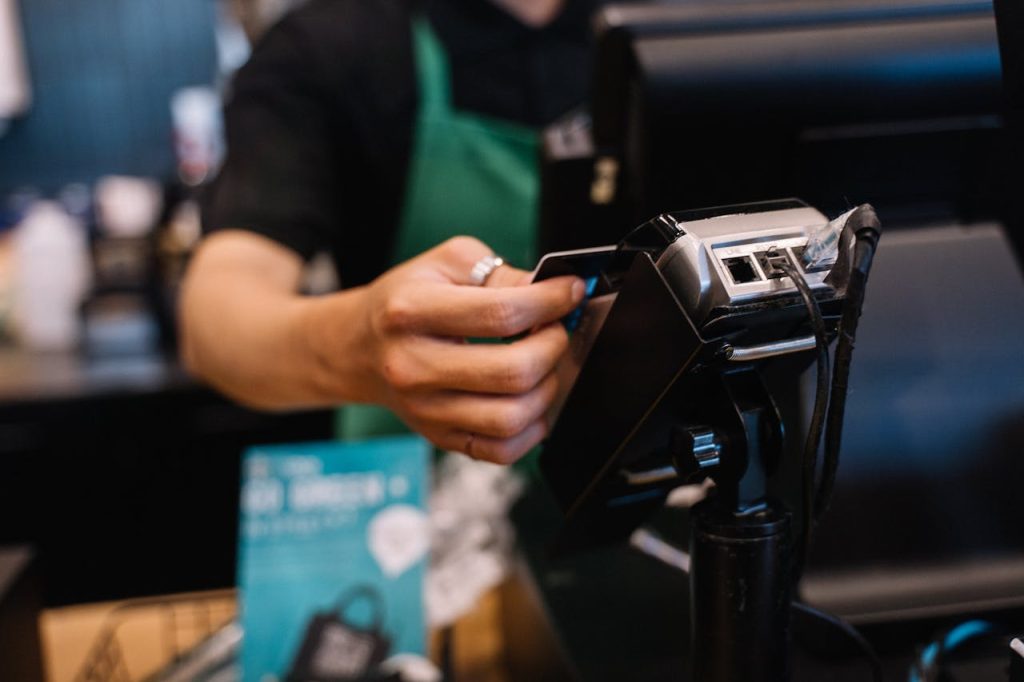
Even the most efficient POS systems require regular updates to remain secure and operational. Disregarding updates results in vulnerabilities and issues with compatibility.
Update = Upgrade
Missing updates can lead to slowdowns, bugs, and POS system errors that disrupt your business.
Solution: Set a routine to check for updates, or choose a cloud-based system that updates automatically. Also, make sure all hardware and integrations stay compatible.
Final Thoughts
Your POS system can either streamline your business or cause daily headaches. Avoiding the most common POS system errors starts with understanding your business, evaluating your options thoroughly, and planning for both the present and the future.
Regardless of selecting an unsuitable POS, overlooking essential features, or making typical POS purchasing errors, being aware is the initial step toward improving decision-making. Take your time, engage your team, and always recognize the significance of testing and assistance.
A well-chosen POS system won’t just ring up sales—it will become the engine that powers your business success.


Leave a Reply