Menu

The Ultimate Guide to Choosing a POS System for Your Small Business
By John Misarti February 24, 2025
One of the most significant choices a small company owner must make is selecting the appropriate point-of-sale system. The correct POS system may facilitate operations, enhance customer satisfaction, and increase profitability whether you manage a restaurant, retail store, or service-based enterprise. But with so many choices, it might be difficult to choose the ideal point-of-sale system for small business requirements. You will learn all you need to know about choosing the best point-of-sale system for your company from this article. With the help of this guide, you can make an informed choice by understanding its important features and assessing its cost and compatibility.
What is a POS System?
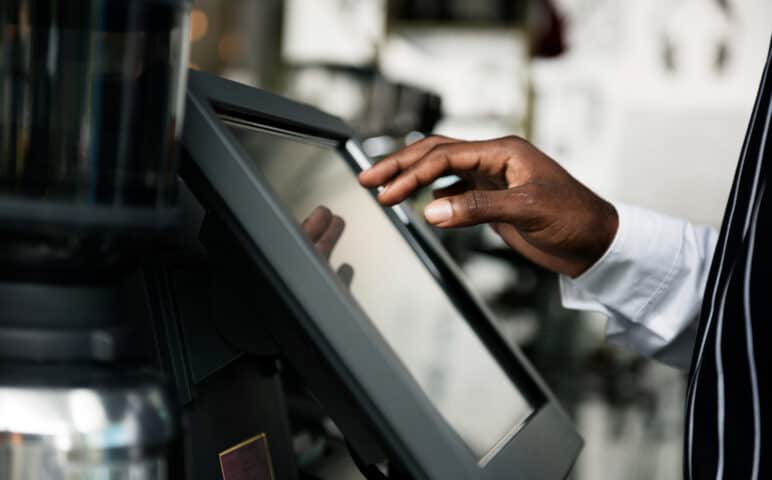
A POS system is a hardware and software combination that enables companies to handle inventory, process transactions, and examine sales information. Additional features like CRM, staff tracking, and eCommerce platform connection are available in modern point-of-sale systems.
Components of a POS System
A POS system typically consists of:
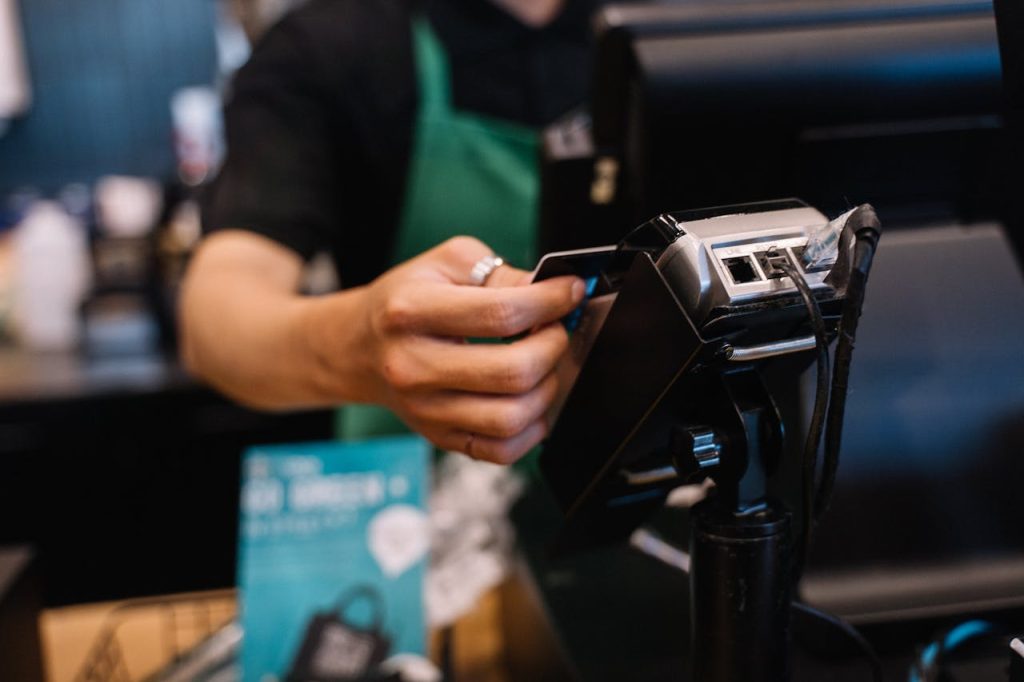
Hardware: Includes terminals, receipt printers, barcode scanners, cash drawers, and card readers.
Software: Manages sales, tracks inventory, and provides business insights.
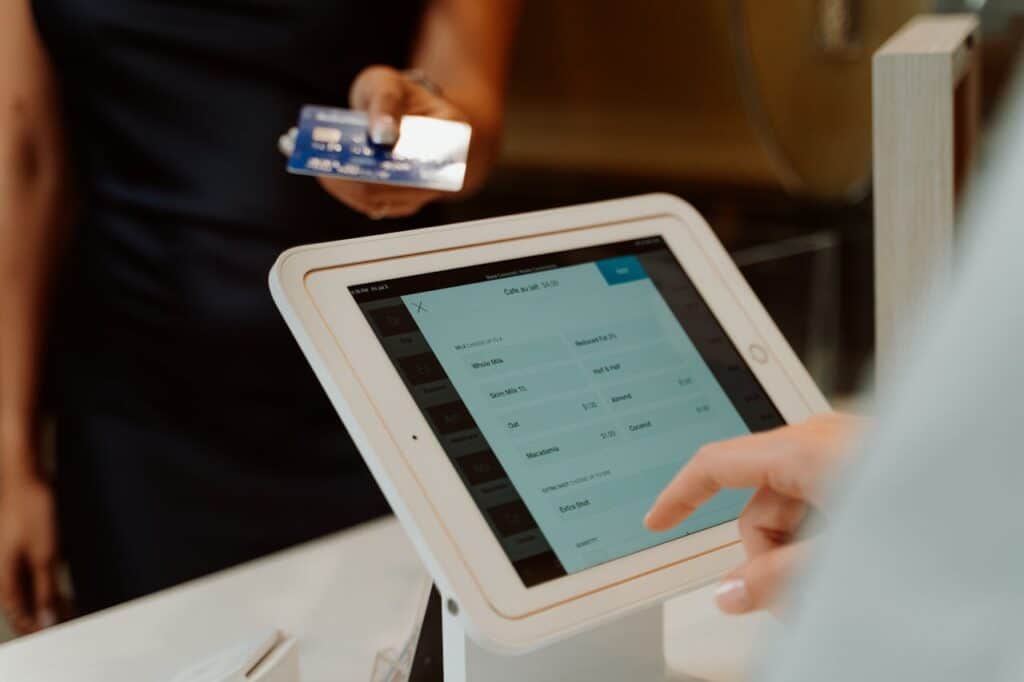
Payment Processing: Enables businesses to accept credit/debit cards, mobile payments, and online transactions.
Cloud Integration: Allows access to business data from anywhere.
Why Do Small Businesses Need a POS System?
A POS system guide is essential because small businesses need efficient tools to manage daily operations. Here are a few reasons why investing in a POS is a smart choice:
Faster Transactions: A good POS system speeds up checkouts, reducing customer wait times.
Better Inventory Management: Track stock levels in real-time and receive alerts when products are low.
Enhanced Sales Reporting: Gain insights into best-selling products and peak sales times.
Improved Customer Experience: Features like loyalty programs and digital receipts enhance customer satisfaction.
Secure Payment Processing: Protects sensitive customer data through encryption and fraud prevention tools.
Key Features to Look for in a POS System
When searching for the best POS for small business, consider these essential features:
1. User-Friendly Interface
A POS system should be intuitive and easy to use for both business owners and employees. A complicated system can slow down operations and frustrate staff.
2. Payment Processing Options
Choose a system that accepts multiple payment methods, including:
Credit/Debit cards
Mobile wallets (Apple Pay, Google Pay)
Online payments
Cash transactions
3. Inventory Management
A good POS system should allow you to:
Track inventory in real-time
Set automatic reorder alerts
Manage product variations (size, color, brand, etc.)
4. Cloud-Based Accessibility
Cloud-based POS offer remote access, allowing business owners to monitor sales and inventory from anywhere.
5. Integration with Other Business Tools
Look for a POS system that integrates with:
Accounting software (QuickBooks, Xero)
eCommerce platforms (Shopify, WooCommerce)
Customer loyalty programs
6. Reporting and Analytics
A good POS system should provide detailed reports on:
Sales performance
Employee productivity
Customer purchasing trends
7. Scalability
Choose a POS system that can grow with your business. If you plan to expand, ensure the system allows multiple locations and additional features.
How to Choose a POS System for Your Small Business
Selecting the best POS for small business requires careful consideration of various factors. Follow these steps to make the right choice:
Step 1: Identify Your Business Needs
Do you need a POS for retail, restaurants, or service-based businesses?
How many products do you sell?
Do you need multi-location management?
Step 2: Set a Budget
POS systems range from free basic software to premium solutions. Consider costs such as:
Hardware costs (e.g., tablets, receipt printers, scanners)
Software subscription fees
Payment processing fees
Step 3: Compare Different POS Providers
Research top POS providers and compare features, pricing, and customer reviews.
Step 4: Check Compatibility
Ensure the POS system is compatible with your existing hardware and software.
Step 5: Request a Demo or Free Trial
Most POS providers offer free trials or live demos. Take advantage of these to test the system before purchasing.
Step 6: Evaluate Customer Support
Reliable customer support is crucial. Check if the provider offers 24/7 assistance via phone, email, or live chat.
Popular POS Systems for Small Businesses
Here are some of the best POS systems for small businesses:
1. Square POS
Free software with affordable hardware options
Best for small retailers and food businesses
Accepts various payment methods
2. Shopify POS
Ideal for businesses with online and offline stores
Integrates seamlessly with Shopify eCommerce
Advanced inventory tracking
3. Clover POS
Flexible and customizable
Ideal for restaurants and service businesses
Comes with built-in payment processing
4. Lightspeed POS
Best for retail and restaurant businesses
Advanced inventory and reporting tools
Cloud-based for remote access
5. Toast POS
Designed for restaurants and cafes
Features online ordering and delivery integration
Robust reporting and analytics
Common Mistakes to Avoid When Choosing a POS System
Choosing a POS system demands meticulous planning, and neglecting important factors can result in inefficiencies within your business operations. Numerous small business proprietors commit typical errors while selecting their system, leading to increased expenses, operational challenges, and customer discontent. Here are several common mistakes and ways to prevent them.
1. Ignoring Hidden Costs
Some POS systems have hidden fees for software updates, transaction processing, and customer support. Read the terms carefully before committing.
2. Not Considering Scalability
A small business might grow over time. Ensure the POS system allows expansion without costly upgrades.
3. Choosing a System Without Good Support
A POS system with poor customer support can be a nightmare during downtime. Opt for a provider with reliable assistance.
4. Overcomplicating the System
Avoid systems with unnecessary features that complicate operations. Stick to the functionalities you need.
Conclusion
Choosing the appropriate POS system can greatly influence your small business’s effectiveness and profitability. By utilizing this guide, you can discover the ideal POS for small business requirements and guarantee seamless daily operations.
When selecting a system, think about aspects such as user-friendliness, payment handling, stock control, and compatibility with other business applications. By implementing the appropriate POS system, you can improve customer experience, simplify transactions, and successfully expand your business.
Regardless of whether you operate a retail store, a restaurant, or provide services, the appropriate system will enable you to remain competitive and manage your operations effectively. Take your time to assess your choices, ask for demonstrations, and make a well-informed decision that fits your business objectives.


Leave a Reply