Menu

Choosing the Right Hardware for Your POS System: A Complete Guide
By John Misarti April 10, 2025
Whether you manage a small restaurant, retail store, or coffee shop, your POS system is an essential component of your everyday operations. Transaction processing, sales tracking, inventory management, and even customer relationship building are all aided by it. The hardware, however, that drives it all is often disregarded. Choosing the appropriate POS hardware is equally as crucial as picking the software. Your hardware configuration affects accuracy, speed, efficiency, and user experience. From barcode scanners and receipt printers to touchscreen POS terminals, the decisions you make may benefit or harm your company.
Understanding POS Hardware: The Foundation of Modern Sales
Fundamentally, the physical elements of your POS system are referred to as POS hardware. This includes any equipment required to process sales and manage client interactions, such as a computer or tablet, card reader, receipt printer, and any add-ons. Hardware is what your employees and clients see and touch, while software handles the laborious tasks that take place in the background. Delays, annoyance, and even lost sales may arise from slow, outdated, or incompatible hardware with your software.
The conventional cash register has been greatly outgrown by contemporary POS systems. Modern hardware is designed for speed, portability, and convenience, with wireless accessories and sleek touchscreen POS setups.
Cash Register vs POS: What’s the Difference?
Before diving into specific hardware options, it’s important to understand the difference between a cash register vs POS system.
A cash register is a standalone machine used primarily for ringing up sales and storing cash. It’s simple, relatively cheap, and has been used in businesses for decades. However, cash registers offer limited functionality and integration with modern business tools.
On the other hand, a POS system is a combination of hardware and software designed to do much more than just accept payments. It can track inventory, generate reports, manage employees, and integrate with accounting and marketing tools.
When comparing a cash register vs POS, the latter offers far more value for growing businesses. While cash registers might still work for very small shops or temporary kiosks, most business owners today prefer the flexibility and features of a full POS setup.
Essential Components of a POS Hardware Setup
Every business has unique needs, but most POS hardware systems include a few standard components. Here’s a closer look at the most important pieces and what to consider when choosing them.
Touchscreen POS Terminal
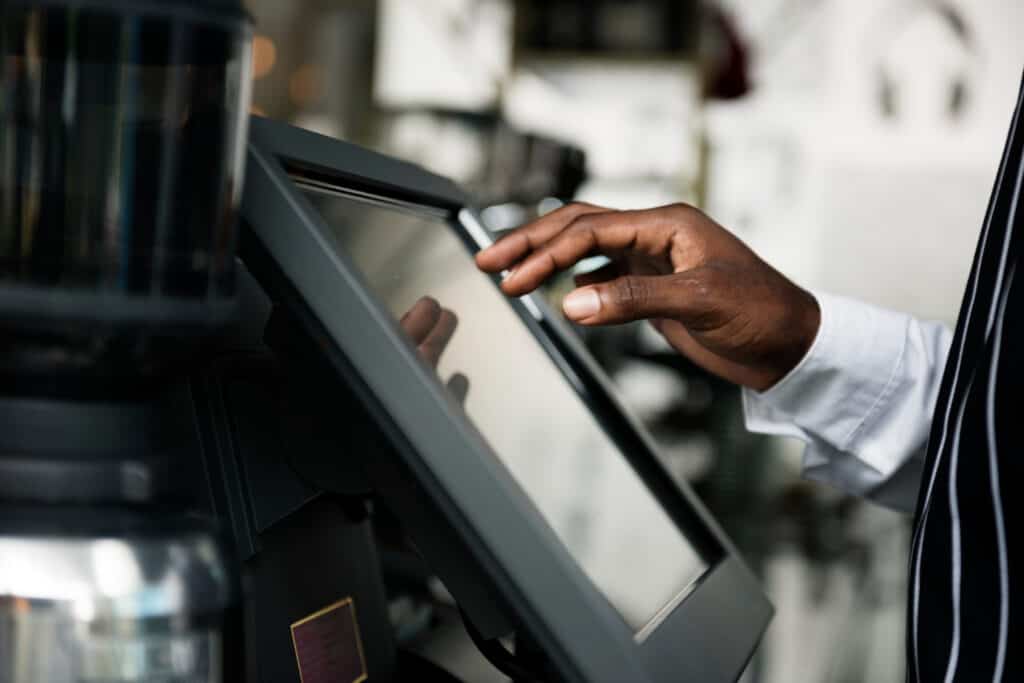
The central component of your POS system is the terminal. Traditional keyboards and monitors are typically replaced by touchscreen POS interfaces in modern setups. Staff can quickly navigate menus, process orders, and ring up items with ease thanks to these stylish displays.
Touchscreen POS terminals are particularly common in retail and restaurant settings where simplicity and speed are crucial. Additionally, they lower the learning curve for new hires, increasing productivity during peak hours.
Consider screen size, responsiveness, durability, and software compatibility when choosing a touchscreen terminal. Additionally, consider your available space. While some terminals are larger, countertop models, others are smaller, tablet-based devices.
Receipt Printer
Even in the digital age, printed receipts are still expected by many customers. A reliable thermal receipt printer is essential for most retail and food service environments. These printers are fast, quiet, and don’t require ink cartridges.
Choose a model that integrates smoothly with your POS software. Wireless models can reduce cable clutter, while traditional USB or Ethernet options are often more stable in high-traffic environments.
Cash Drawer
If your business accepts cash payments, you’ll need a secure and durable cash drawer. Most drawers connect directly to your receipt printer and open automatically during a sale.
Features to look for include reinforced steel construction, multi-bill compartments, and lockable drawers. Even if you use mostly card and digital payments, a small cash drawer is still a good idea for flexibility.
Card Reader or Payment Terminal
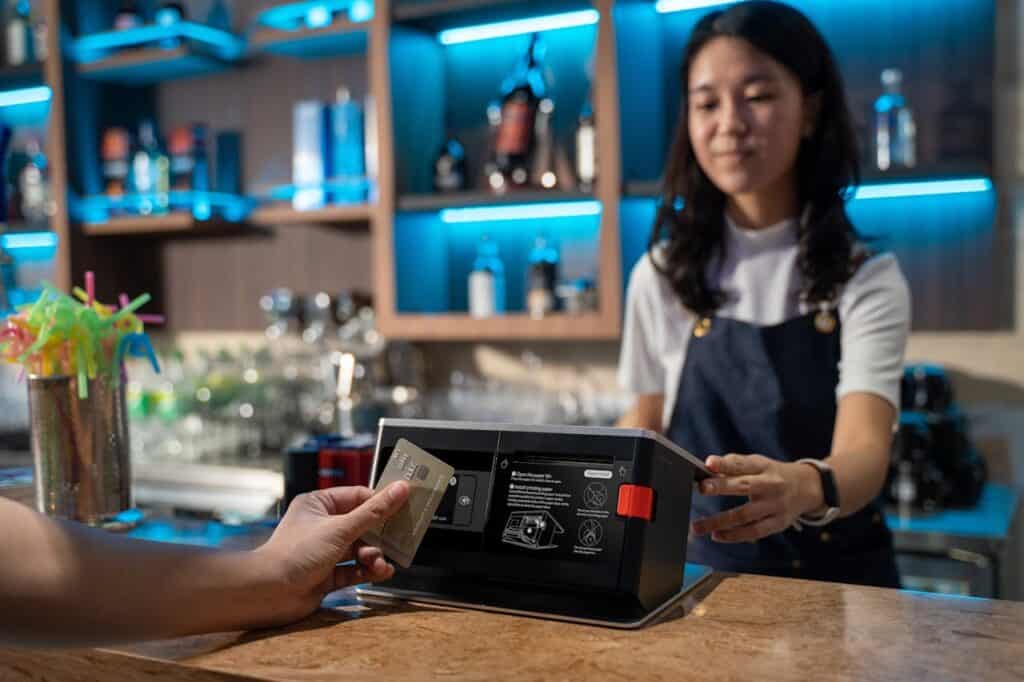
Your POS hardware needs to accept a variety of payment methods, including credit/debit cards, mobile wallets like Apple Pay or Google Pay, and even QR code scanning, given the popularity of contactless payments.
These days, most payment terminals are wireless, small, and EMV compatible. While some function as stand-alone devices, others integrate with the touchscreen terminal. Verify that your payment terminal accepts the payment methods that your clients prefer and is compatible with your POS software.
Barcode Scanner
A barcode scanner improves accuracy and speeds up checkout. It’s especially useful in retail settings where you need to ring up products quickly or manage inventory.
Scanners come in handheld, wireless, and countertop versions. Some touchscreen POS terminals even have built-in scanners for an all-in-one solution. Choose a scanner that fits your space, handles your product range, and integrates seamlessly with your system.
Customer Display
A customer-facing screen can display itemized purchases, promotions, or tipping options. It adds transparency and professionalism to the checkout process and is often used in quick-service restaurants and retail boutiques.
Some POS setups combine the touchscreen POS and customer display into a single unit with dual screens, while others use tablets or small monitors for this purpose.
Choosing POS Hardware Based on Business Type
The ideal POS hardware setup varies depending on your business model. Here’s how different businesses typically approach their POS needs.
Retail Stores
Barcode scanners, cash drawers, receipt printers, and inventory management are typically required by retail businesses. Integrated scanning and reporting capabilities in a touchscreen POS system simplify operations.
More advanced POS hardware systems support features like multi-location inventory and detailed product tracking, which are often given top priority by retailers.
Restaurants and Cafés
Restaurants benefit from touchscreen POS systems that offer fast menu navigation, order customization, and kitchen printing. Kitchen display systems are also common for routing orders directly to the back of the house.
For tableside service, handheld POS terminals or tablets can help servers take orders and process payments right at the table.
Pop-Up Shops and Food Trucks
Smaller or mobile businesses need portable, durable, and wireless POS hardware. A tablet-based touchscreen POS combined with a mobile card reader can work well, offering full functionality with minimal equipment.
Battery life, cellular connectivity, and compact form factors become more important in these environments.
Cash Register vs POS: Which Is Better for Small Businesses?
Let’s go over the cash register vs. POS comparison again, this time with an emphasis on small business requirements.
Due to its lower initial cost, a cash register may be attractive to very small startups. The limitations, however, are immediately noticeable. Data, reports, customer insights, and remote access will not be available to you.
Even though it costs more up front, a complete POS hardware system can save time, prevent mistakes, and provide valuable insights. A simple register simply cannot track employee performance, integrate with online stores, or manage your business from anywhere.
Therefore, even for small businesses, the cash register is typically the better long-term option when compared to POS.
How to Choose the Right Hardware Setup
Selecting the right POS hardware requires careful consideration of several factors.
Understand Your Workflow
How do your customers shop? How do your staff operate? Think through your typical transaction process and identify where speed and accuracy matter most. This will help you prioritize hardware choices that support your workflow.
Set a Realistic Budget
Quality POS hardware is an investment. While there are budget-friendly options available, skimping too much can lead to poor performance or short lifespan. Consider both upfront and ongoing costs, and balance affordability with durability.
Evaluate Compatibility
Make sure the hardware works with your existing POS software. Not all devices play well together, so verify integrations before purchasing. Some POS vendors offer bundled hardware packages designed to eliminate compatibility issues.
Plan for Growth
Choose hardware that can grow with your business. Even if you’re only operating one register today, you might need additional stations, mobile devices, or advanced tools in the future. Scalable systems are key to long-term success.
Get Feedback and Test Before Buying
If possible, test the hardware or request a demo. Ask your staff for input; they’re the ones using it every day. Comfort, speed, and ease of use are critical factors that can’t always be measured on paper.
Future Trends in POS Hardware
The world of POS hardware continues to evolve. New developments are shaping the future of sales and customer interaction, especially in retail and hospitality industries.
Some trends to watch include:
Self-service kiosks for fast, contactless ordering
Mobile-first systems that rely on smartphones and tablets
AI-powered inventory tracking tools
Biometric authentication for staff access
Staying informed about these trends can help you choose hardware that keeps your business competitive.
Building the Right Foundation
Making the correct POS hardware choice is a business decision as much as a technical one. Your daily operations are based on the tools you use to track inventory, handle transactions, and interact with customers. Knowing the distinctions between a cash register and a POS system, recognizing the advantages of a contemporary touchscreen POS, and choosing components that complement your workflow can significantly impact how efficiently your business operates.
You’re setting the stage for future growth, accuracy, and efficiency by making the proper setup investment today. Whether you’re starting a new business or replacing an outdated register, the correct POS hardware will help you succeed right from the first sale.


Leave a Reply