Menu

Must-Have Features in a POS System for Small Businesses
By John Misarti February 28, 2025
The success of small businesses depends on having an effective POS system. A well-designed POS for small businesses can manage inventory, expedite transactions, and offer insightful data to improve business processes. With so many choices, it’s critical to understand the POS features that can actually impact day-to-day business operations.
1. Easy-to-Use Interface
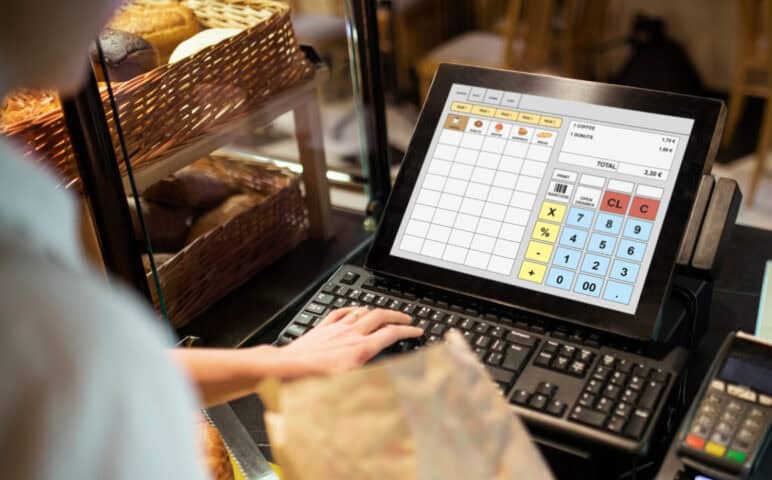
One of the most important factors in selecting a small business POS is an intuitive and user-friendly interface. Small business owners and their employees often have limited time for training, making it essential that the POS system is simple to navigate.
Key Aspects:
Quick setup and onboarding
Minimal training required
Responsive touchscreen functionality
Customizable dashboard
An intuitive system ensures faster transactions and minimizes errors, leading to improved customer experience and operational efficiency.
2. Sales and Transaction Management
Managing sales effectively is the primary purpose of any POS system. The POS features must support smooth transactions whether a company sells online, in-store, or both.
Key Features:
Quick checkout process
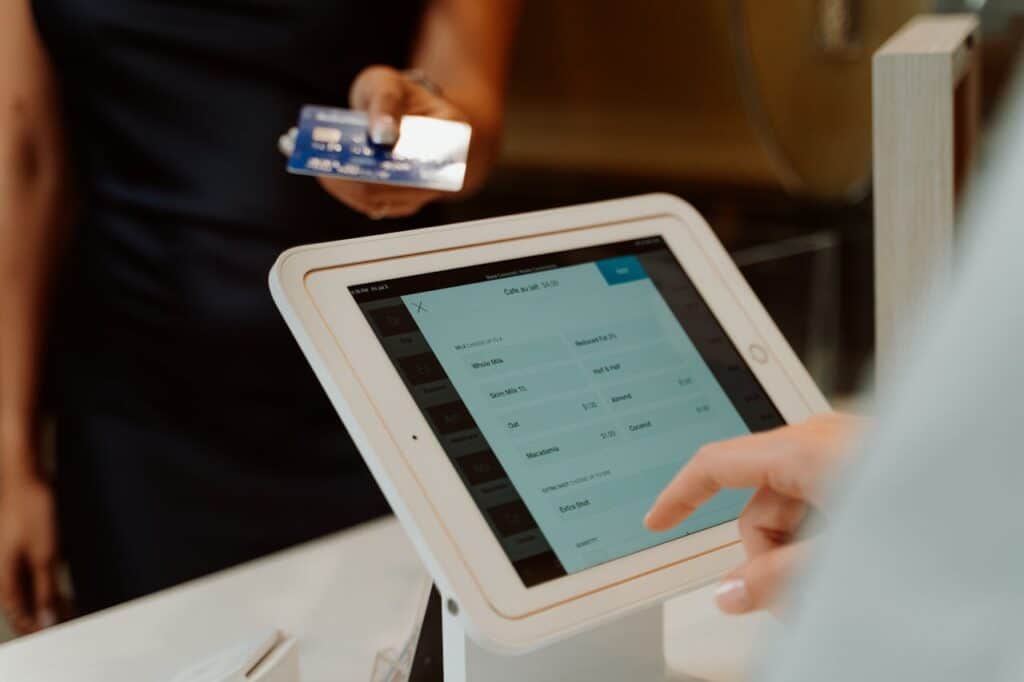
Multiple payment options (credit/debit cards, mobile payments, cash, gift cards)
Split payments and refunds
Discounts and promotions management
A small business POS should offer a smooth transaction experience for both employees and customers, reducing waiting times and enhancing satisfaction.
3. Inventory Management
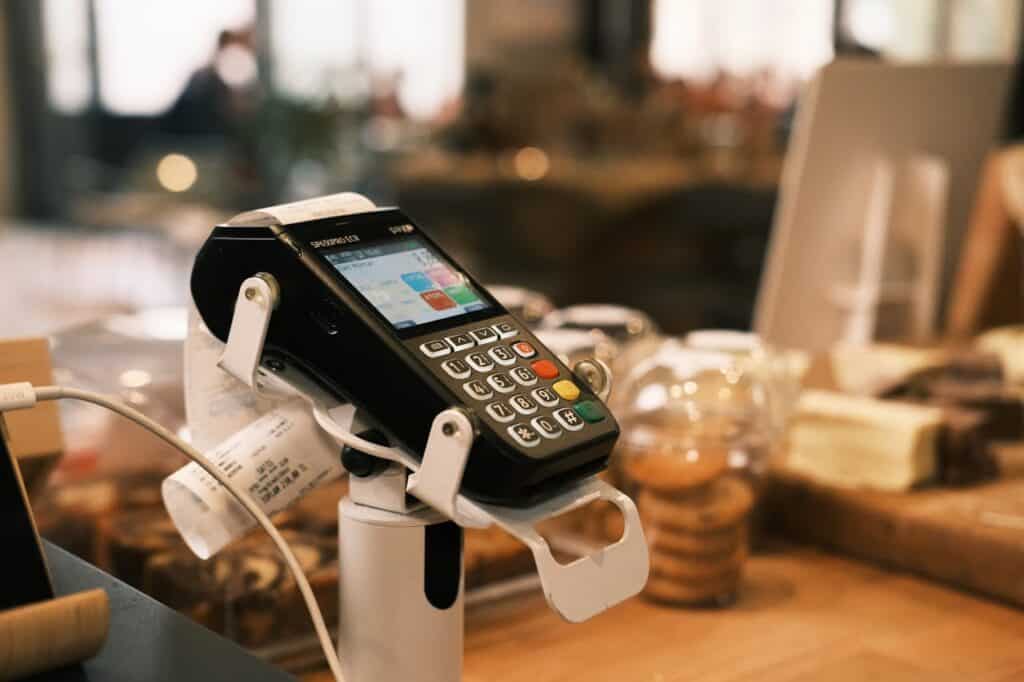
For any retail or service-based business, managing inventory is crucial. A POS system with strong inventory tracking capabilities ensures business owners always have the right stock available.
Benefits of Inventory Management in POS:
Real-time stock updates
Low-stock alerts and automated restocking
Barcode scanning for efficient tracking
Multi-location inventory tracking
Having an integrated inventory system eliminates manual stock-taking and prevents lost sales due to stockouts.
4. Customer Relationship Management
The development and maintenance of client relationships is essential to the expansion of any business. Customer information can be stored, purchase history can be tracked, and individualized marketing can be provided by a small business POS with CRM features.
Key CRM Features:
Customer profiles with contact details
Purchase history tracking
Loyalty programs and reward points
Email and SMS marketing integration
A POS system that offers CRM functionalities can improve customer retention and encourage repeat business.
5. Employee Management
For businesses with multiple employees handling sales, having an employee management feature in the POS system is highly beneficial.
Essential Employee Management Features:
User roles and permissions
Clock-in and clock-out tracking
Performance monitoring
Sales commission tracking
These features allow small business owners to manage staff efficiently, track performance, and ensure accountability.
6. Multi-Payment Processing
To accommodate varying customer preferences, a modern POS system should support a variety of payment options. Missed sales opportunities may arise from limited payment options.
Payment Processing Options:
Credit and debit card payments
Contactless payments (Apple Pay, Google Pay, etc.)
Online and offline payment modes
Having flexible payment options enhances customer convenience and increases sales opportunities.
7. Integration with E-commerce Platforms
With the rise of online shopping, a small business POS should seamlessly integrate with e-commerce platforms. This ensures synchronized inventory and a consistent shopping experience.
Key Benefits:
Real-time inventory updates across online and offline stores
Easy product listing management
Smooth order fulfillment
Businesses that operate both online and in-store need an integrated system to avoid discrepancies and ensure efficiency.
8. Sales Reporting and Analytics
A POS system ought to provide thorough sales reports and analytics so that users can make data-driven decisions. Profitability can be raised and operations optimized with an understanding of business performance.
Key Reporting Features:
Daily, weekly, and monthly sales reports
Best-selling products analysis
Customer purchase trends
Profit and loss tracking
With real-time insights, small businesses can adjust strategies to maximize sales and efficiency.
9. Security Features
Since a POS system deals with sensitive customer and business data, security should be a top priority.
Essential Security Features:
Encrypted payment processing
User authentication and role-based access
Secure cloud storage
Fraud detection mechanisms
A secure POS system safeguards business and customer data, ensuring compliance with industry standards.
10. Scalability and Customization
As businesses develop, they need a small business POS system that can scale with them. A system that is customizable and scalable can support business growth.
Features for Growth:
Multi-store management
Customizable modules and add-ons
API integrations for third-party tools
Adaptability to changing business needs
Investing in a scalable POS system prevents the need for frequent software changes and ensures long-term usability.
11. Cloud-Based Functionality
A cloud-based POS system allows business owners to access data and manage operations from anywhere.
Advantages of Cloud POS:
Remote access to sales and inventory data
Automatic software updates
Data backup and recovery
Multi-device compatibility
Cloud technology provides flexibility and security, making it a preferred choice for small businesses.
12. Offline Mode
A dependable small business POS system should function even when the internet is down. Offline mode ensures that sales continue uninterrupted.
Offline Mode Benefits:
Sales processing without internet
Automatic data syncing once reconnected
Prevents revenue loss due to connectivity issues
Offline functionality ensures businesses can operate seamlessly under any circumstances.
Conclusion
Selecting the appropriate POS system is crucial for small businesses aiming to increase efficiency, enhance customer satisfaction, and raise sales. The essential POS features outlined in this article serve as a guide for choosing a system that meets business requirements. An efficient small business POS should provide an all-encompassing solution that streamlines operations, covering everything from sales processing and inventory management to CRM and security. Putting money into a feature-packed POS system will not only simplify everyday transactions but also help in achieving long-term business success.
By prioritizing these essential features, small business owners can make an informed decision and ensure they get the most value from their POS system.


Leave a Reply